-
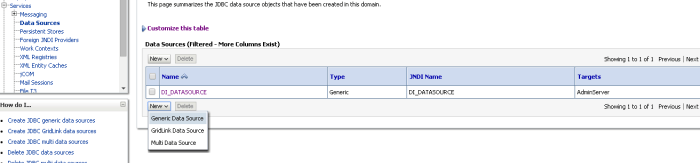
Go to admin console for weblogic. For example http://localhost:7001/console/
-
Create a new generic data source as DI_DATASOURCE
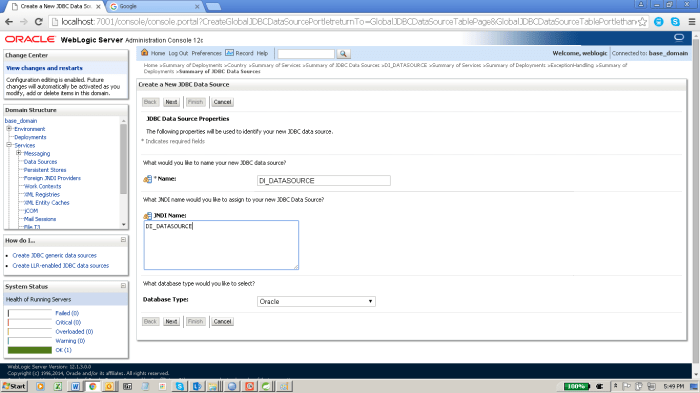
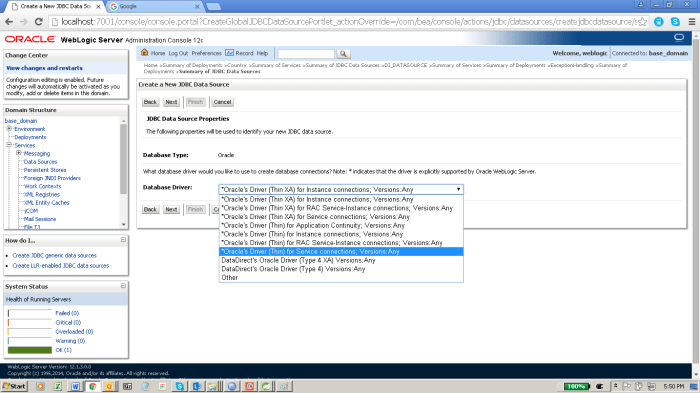
3. Select the jdbc driver
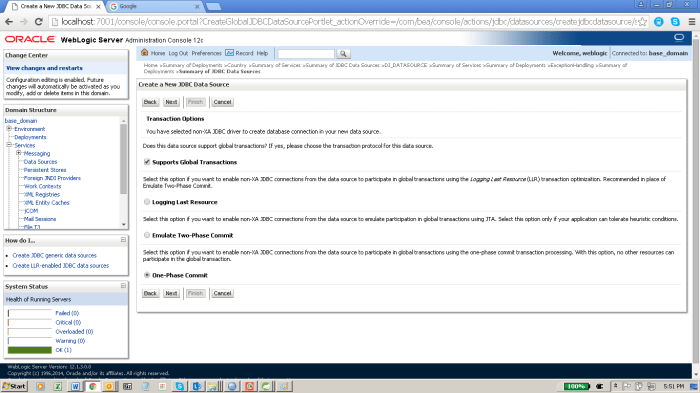
4.Select the below properties in next page
5.On next please provide the below properties. Put url as jdbc:oracle:thin:@localhost:1521:XE
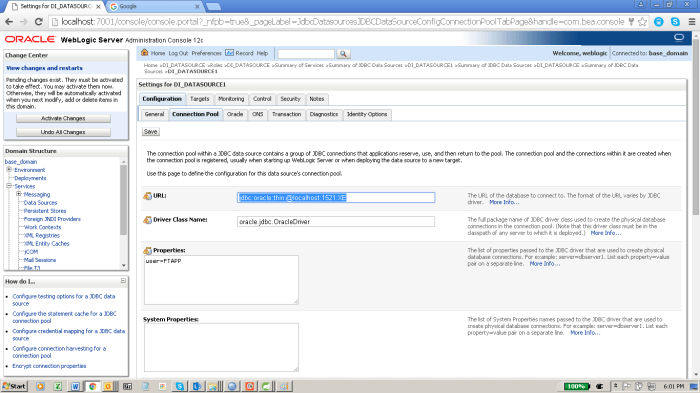
6. On next provide select the target server for the above configured data source. Select all servers by default. Click finish.
7.Once we are done with above setting please follow following steps. We need to verify the data source with the target is working fine.
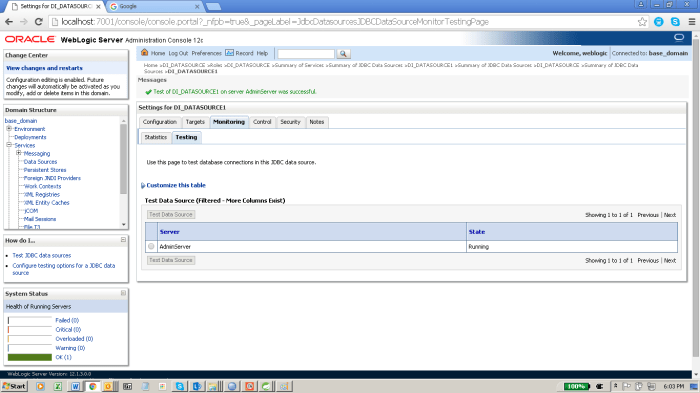
8. This is an important step please do not miss it. Your deployed services will not work. If you do not do this.
To disable wrapping of JDBC data type objects:
If you have not already done so, in the Change Center of the Administration Console, click Lock & Edit.
In theDomain Structure tree, expand Services, then select Data Sources.
- On the Summary of Data Sources page, click the data source name.
- Select theConfiguration: Connection Pool
- Scroll down and clickAdvanced to show the advanced connection pool options.
- InWrap Data Types, deselect the checkbox to disable wrapping.
- Click Save.
To activate these changes, in the Change Center of the Administration Console, click Activate Changes.
This change does not take effect immediately—it requires that the data source be redeployed or the server be restarted.
 nudgebyte blog